
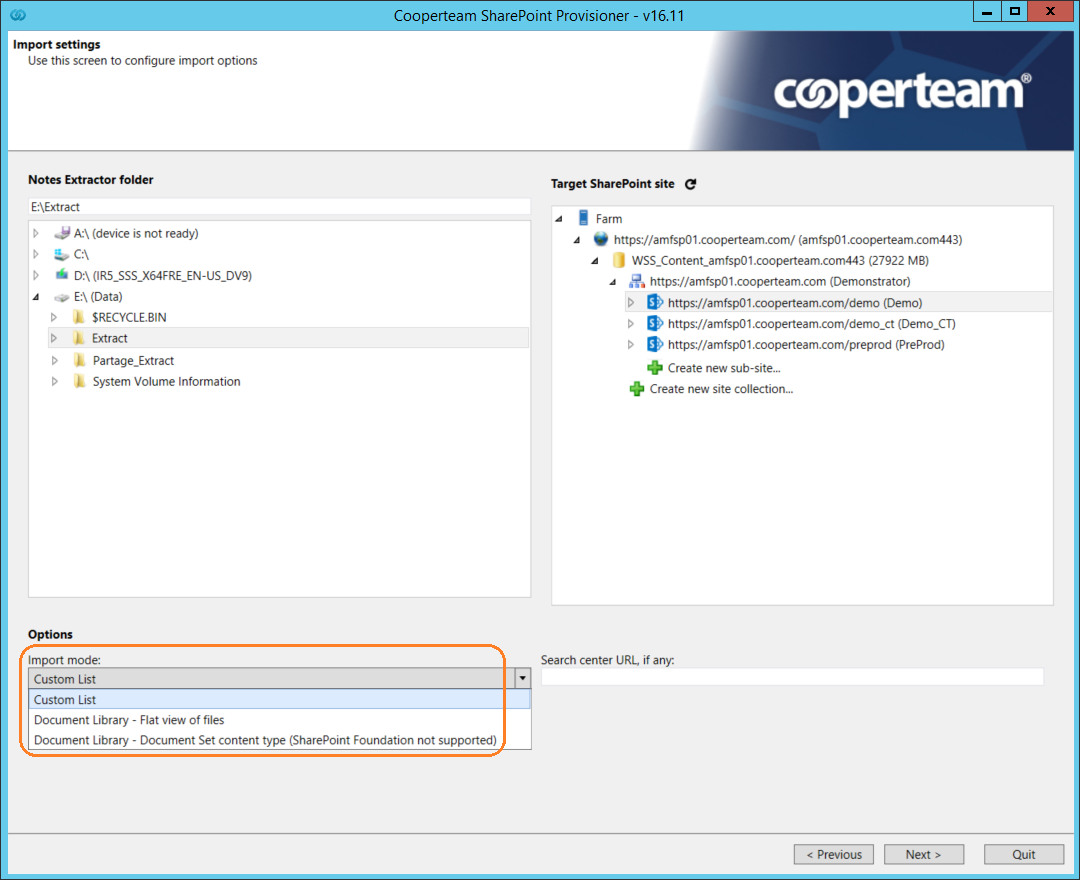
During the selection of the Notes Extractor Source folder & Target SharePoint Destination, you can choose between 3 import types:
- Import as Custom Lists
- Import as Document libraries - Flat view of files
- Import as Document libraries - Document Set content type (SharePoint Foundation not supported)
See below the Import settings - Import mode options in SharePoint Provisioner:
The difference between them is:
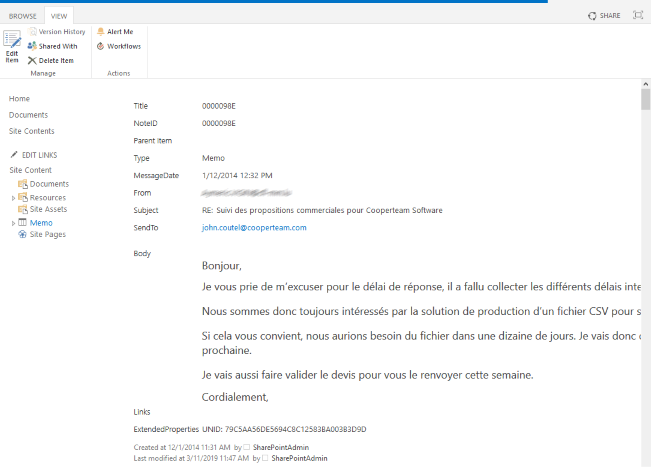
1. Custom Lists > It creates in the target SharePoint site a (or several) new Custom List (only if the list is not already existing), where for each old Notes document, an item is created. The old fields in Notes documents have become columns in SharePoint. When you import, you will be able to rename the columns as to change their names (see the article: "Lists and fields mapping wizard").
See below example:
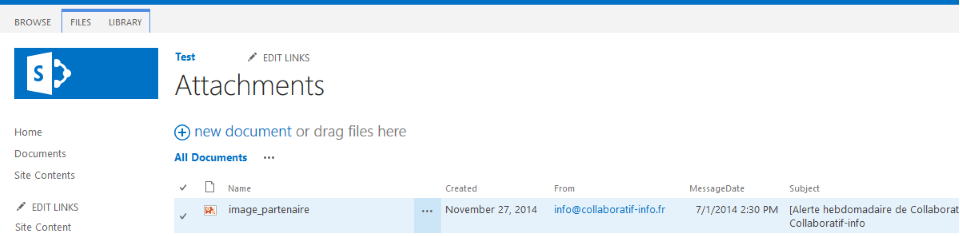
2. Document library - Flat view of files > It creates in the target SharePoint site a (or several) new Document Library (only if it is not already existing), where only attached file found in the Notes Extractor source folder are imported with all associated metadata.
See below example:
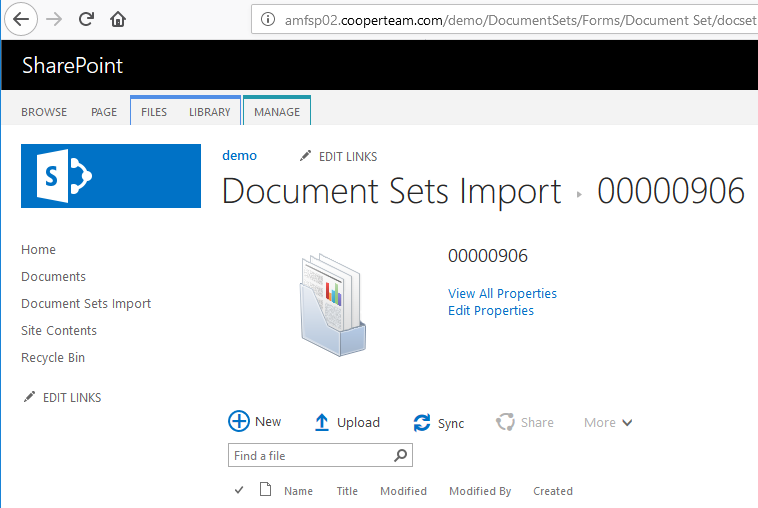
3. Document library - Document Set content type > Beware, this mode is not available if your SharePoint server is using the Foundation version. After in the import process in a (or several) Document Library, for each previous Notes document, a Document Set is created, which looks like a folder with metadata.
See below example:
Comments
0 comments
Article is closed for comments.