
This article explains how to easily hide the buttons 'back' and 'link' buttons in the document header.
Example :
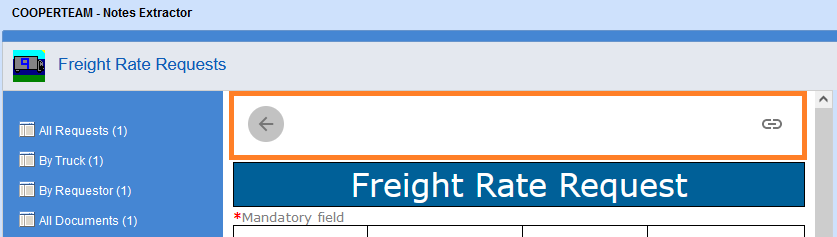
Open the following xml document: ./COMMON/style_header.css and modify line 7 as below :
Before :
.div-header {
margin: 5px 0px 5px 0px;
padding: 0px 15px 0px 5px;
position: relative;
display: flex;
flex-direction: row;
justify-content: space-between;
After :
.div-header {
margin: 5px 0px 5px 0px;
padding: 0px 15px 0px 5px;
position: relative;
display: none;
flex-direction: row;
justify-content: space-between;
Comments
0 comments
Article is closed for comments.